



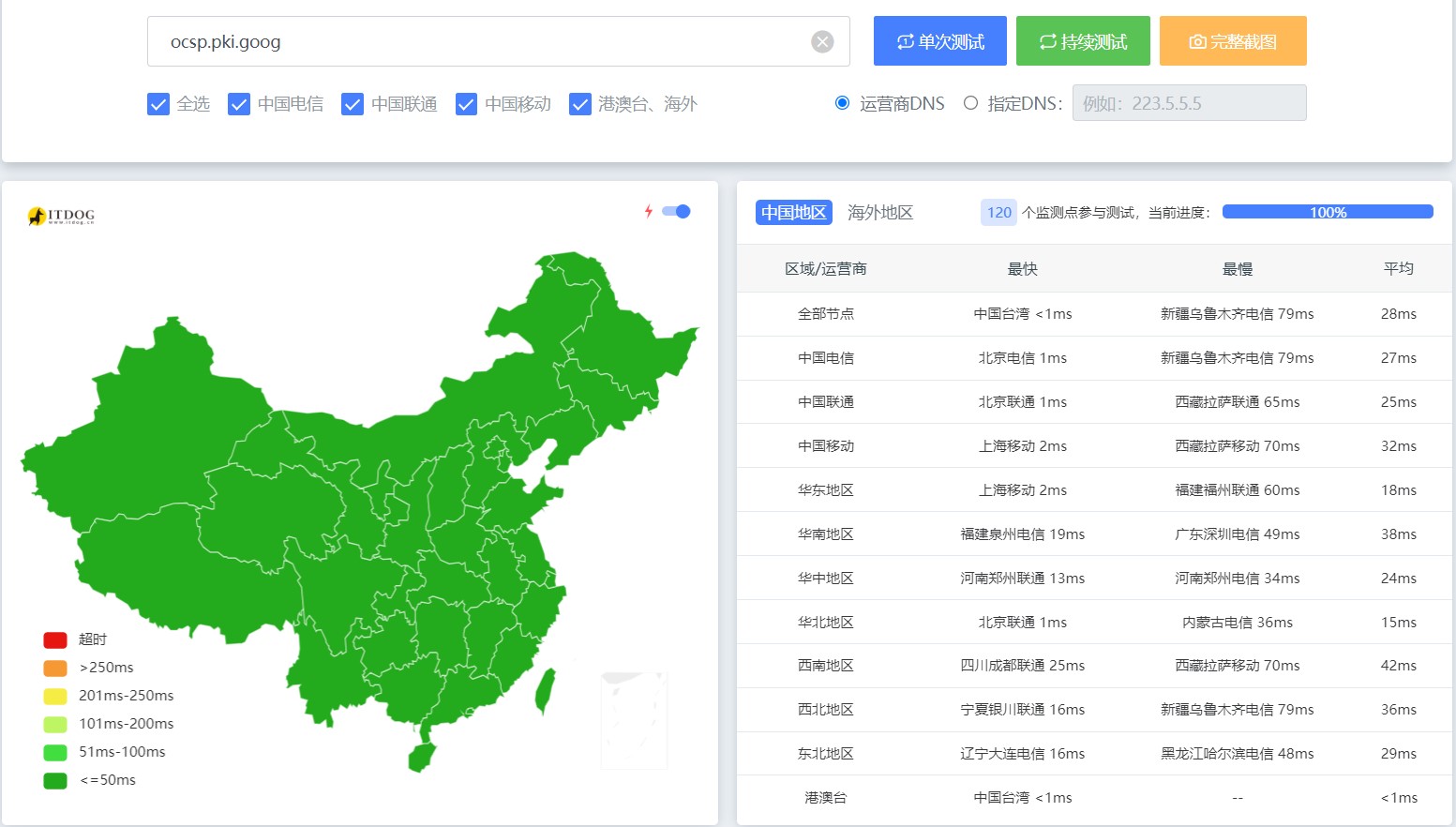
谷歌SSL证书的ocsp在中国大陆有服务器,还是一片绿油油的,真的香。
一、谷歌云账号
你首先需要一个谷歌云账号,用来获取key,这个key是用来申请ssl证书的
登录账号后按照要求启用下方的俩API
https://console.cloud.google.com/apis/library/publicca.googleapis.com
激活即可
在Cloud Shell中输入下方的命令
gcloud beta publicca external-account-keys create
然后就会获取到 key
Created an external account key
[b64MacKey: 1111
keyId: 11111]
二、服务器安装Certbot
apt install certbot
Certbot中创建账号,填入谷歌的这个key就好了。方法如下
三、注册 ACME 账号
certbot register \
    --email "EMAIL_ADDRESS" \
    --no-eff-email \
    --server "https://dv.acme-v02.api.pki.goog/directory" \
    --eab-kid "EAB_KID" \
    --eab-hmac-key "EAB_HMAC_KEY"
四、申请谷歌 SSL
certbot certonly \
    --manual \
    --preferred-challenges "dns-01" \
    --server "https://dv.acme-v02.api.pki.goog/directory" \
    --domains "*.weirain.com,weirain.com"
按照要求执行即可,去域名解析那里,txt解析 申请成功后到 /etc/letsencrypt/live/ 即可找到你的证书,把这个证书贴入其他需要证书的地方就好。
五、自动续签脚本
curl -O https://raw.githubusercontent.com/kejilion/sh/main/auto_cert_renewal-1.sh
chmod +x auto_cert_renewal-1.sh
./auto_cert_renewal-1.sh
定时执行
echo "0 0 * * * cd ~ && ./auto_cert_renewal-1.sh" | crontab -
crontab -e
评论交流
欢迎留下你的想法